Creating Digital UIs for Cutting-Edge Microscopes
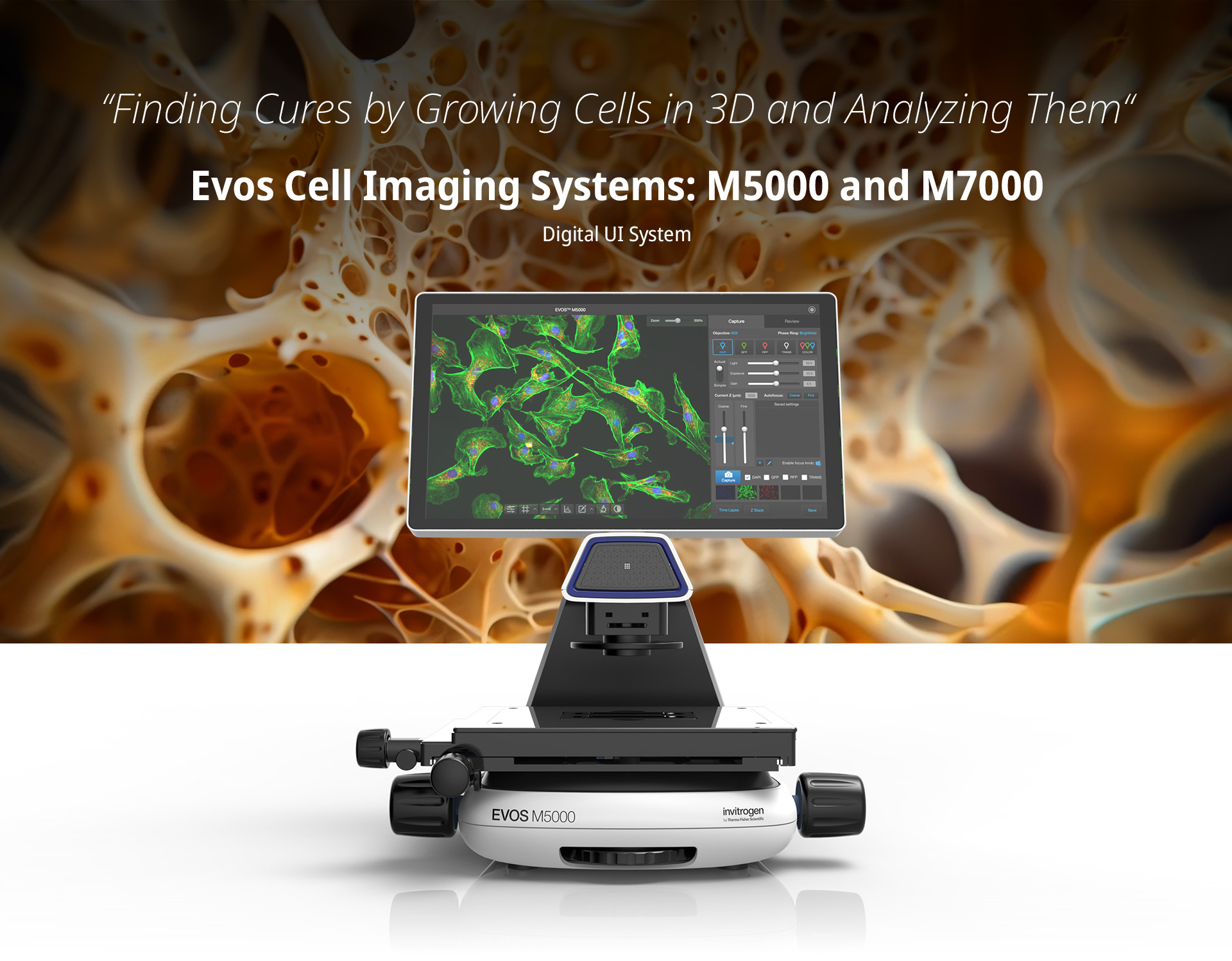
Preclinical cancer drug research has the worst success rate of any therapeutic area. Only 5% pass to phase 3 clinical trials. So, how can we change this area of concern? You need to mimic what is going on in an individualized human being. You need to take a cancer subtype and be able to put it in a dish and recapitulate the same conditions. This idea of Growing cells in 3D can help reveal a more realistic drug response. Being able to take these cells and study them is just one way the Evos M5000 can help scientists find a cure. Check it out:
And here are a couple more amazing stories of the use of these microscopes!
Overview
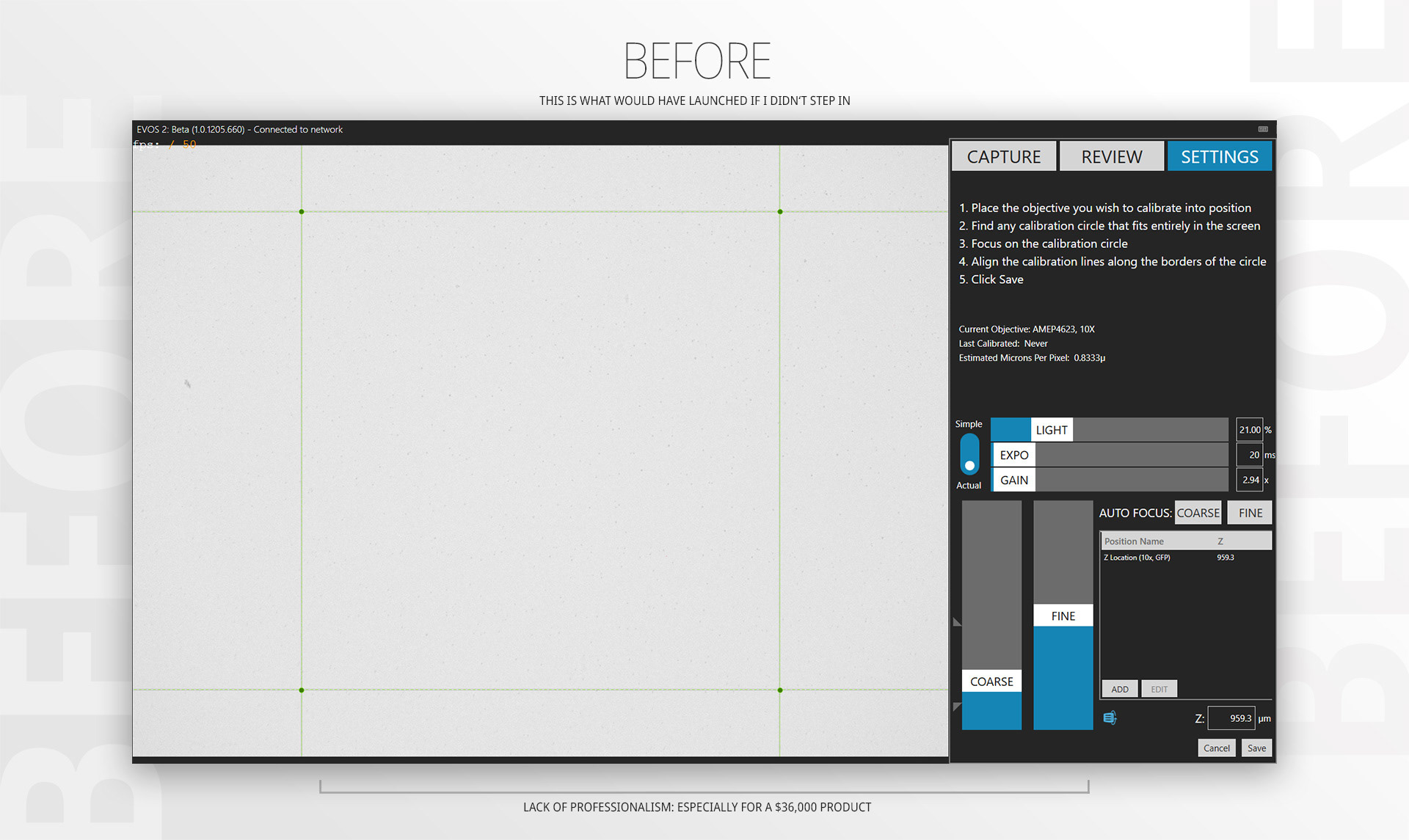
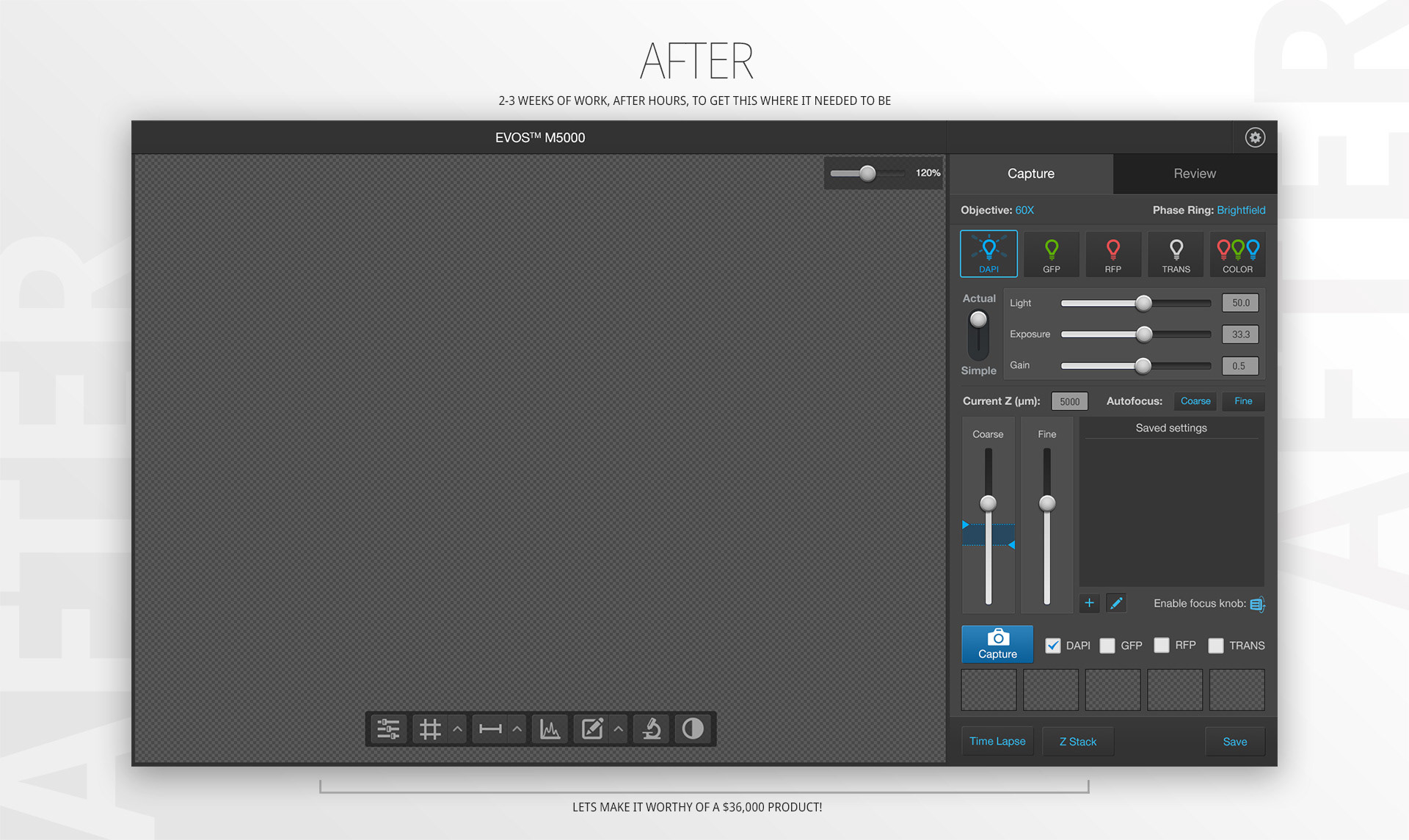
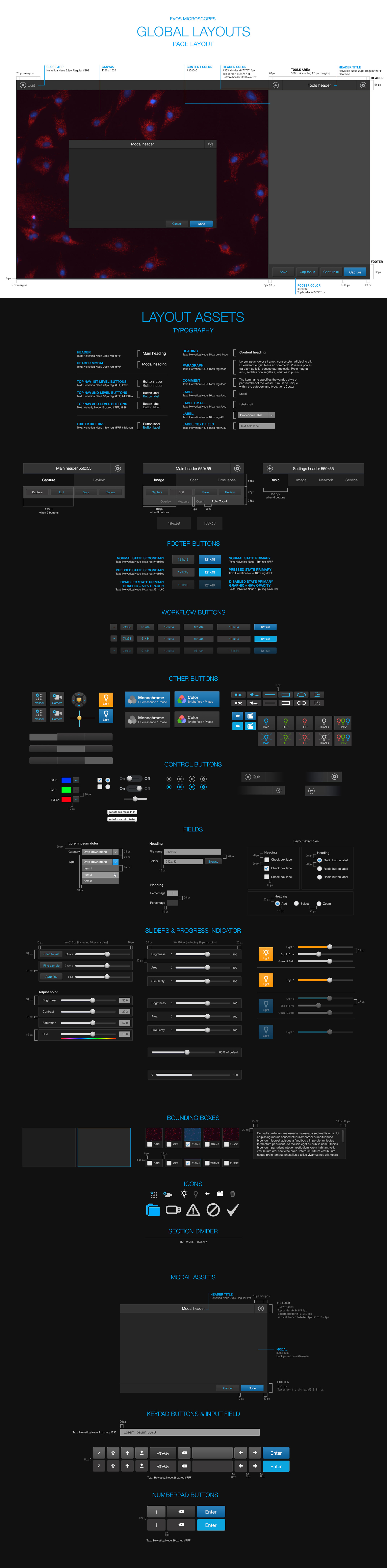
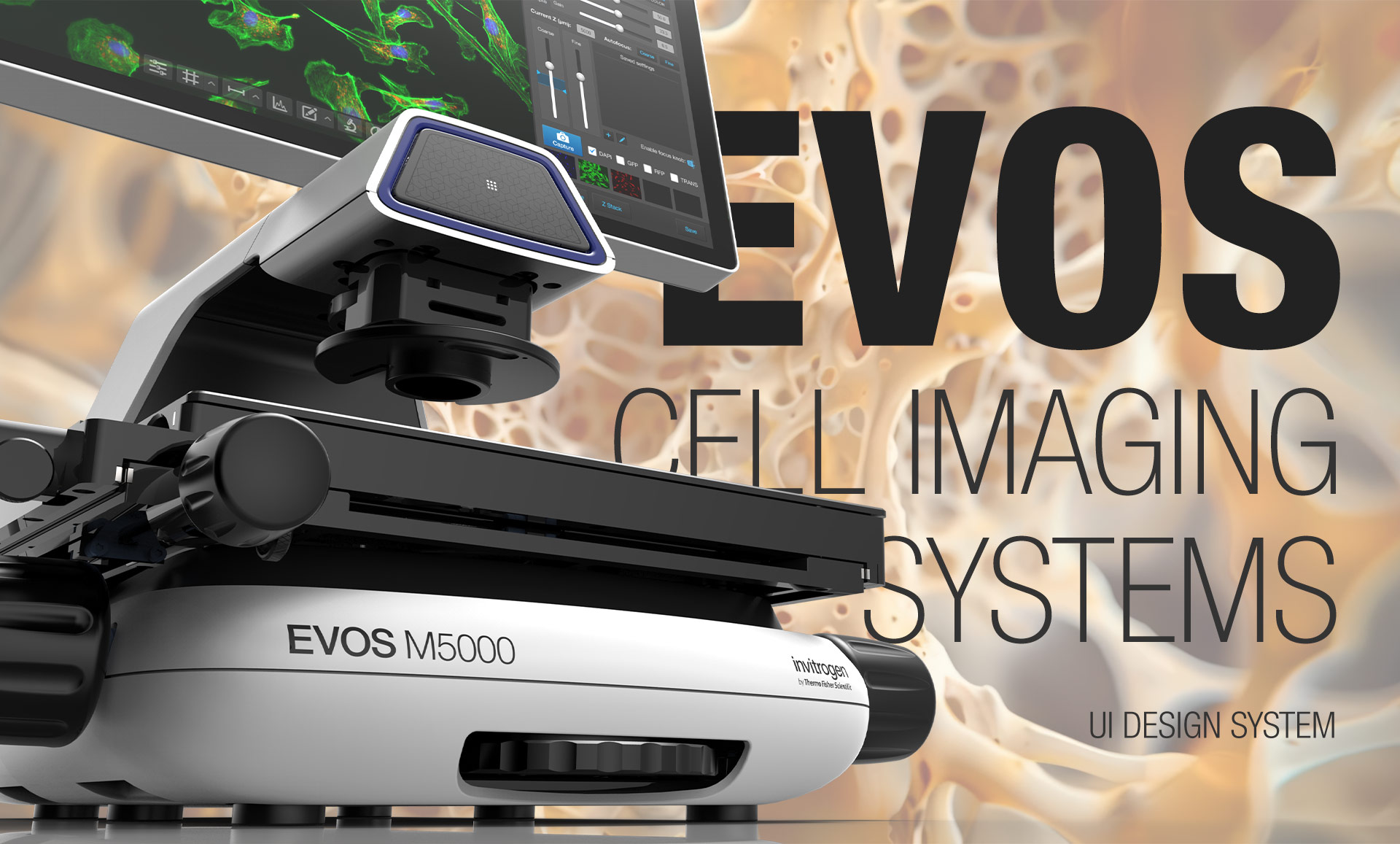
In 2018, the Evos brand of products needed a refresh. Having worked on the refresh for multiple other Invitrogen products, I was approached with the task to update the overall look and feel of the digital software for this brand of microscopes. The only problem was, the project was about to fall apart because there was no time/$$ to make it happen. I ended up evaluating the time and effort and jumped on doing this beyond my normal work hours. I knew I could get this done rather quickly, as I had worked on a similar touchscreen before, giving me a foundation of elements I could pull from. In a span of 2-3 weeks, I had what was needed to hand off to engineers and get this launched, on time.
All EVOS microscopes share these common features:
1. High resolution imaging
2. Bright LED light sources
3. High-resolution cameras and optics
4. Compact, efficient design
5. Minimal handling
6. Powerful, intuitive software
2. Bright LED light sources
3. High-resolution cameras and optics
4. Compact, efficient design
5. Minimal handling
6. Powerful, intuitive software
It was important to identify all the key components that would be needed, so I set out to get a sense of all the different actions scientists used, keying in on identifying the core components, first, and understanding how everything would work together.
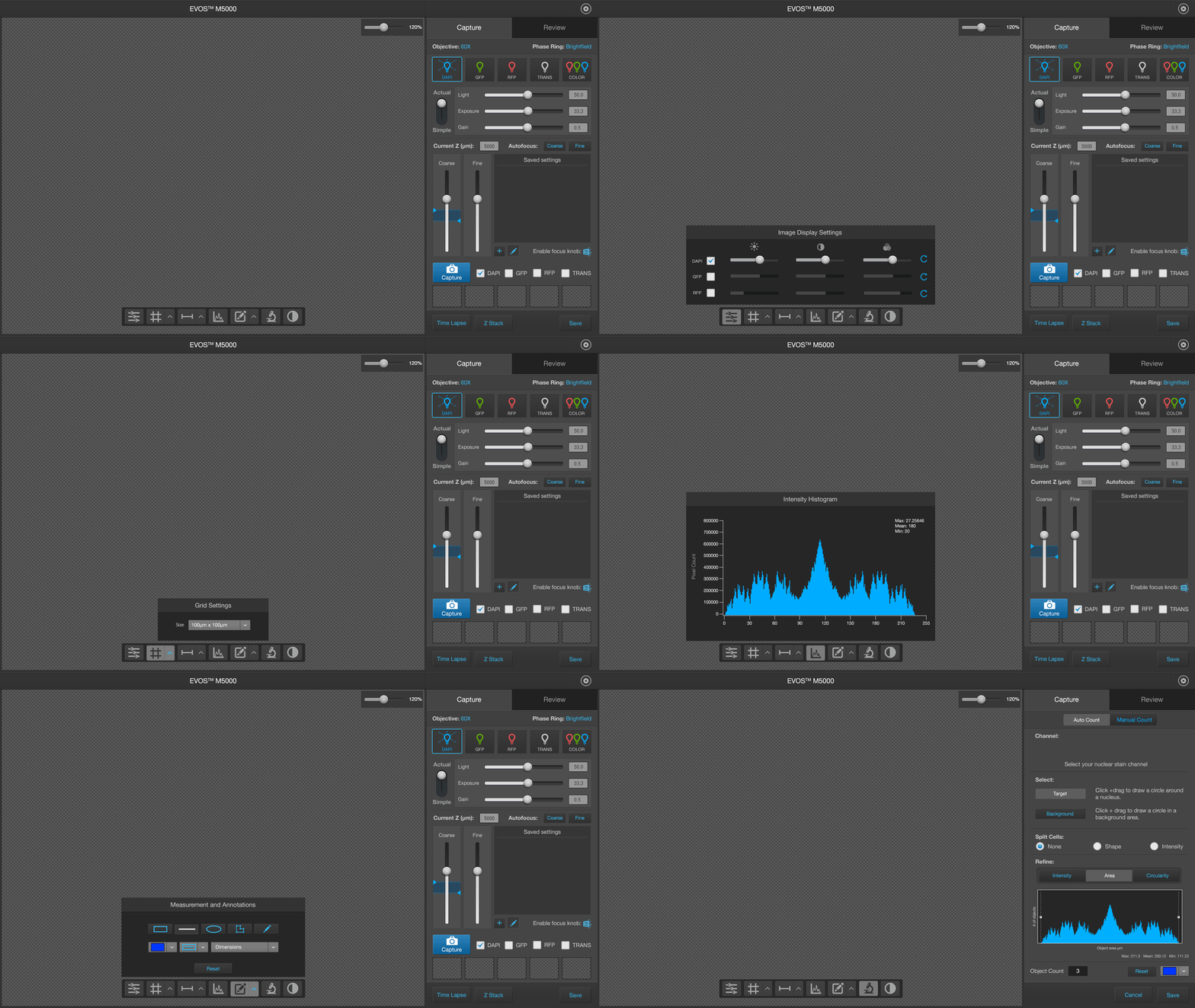
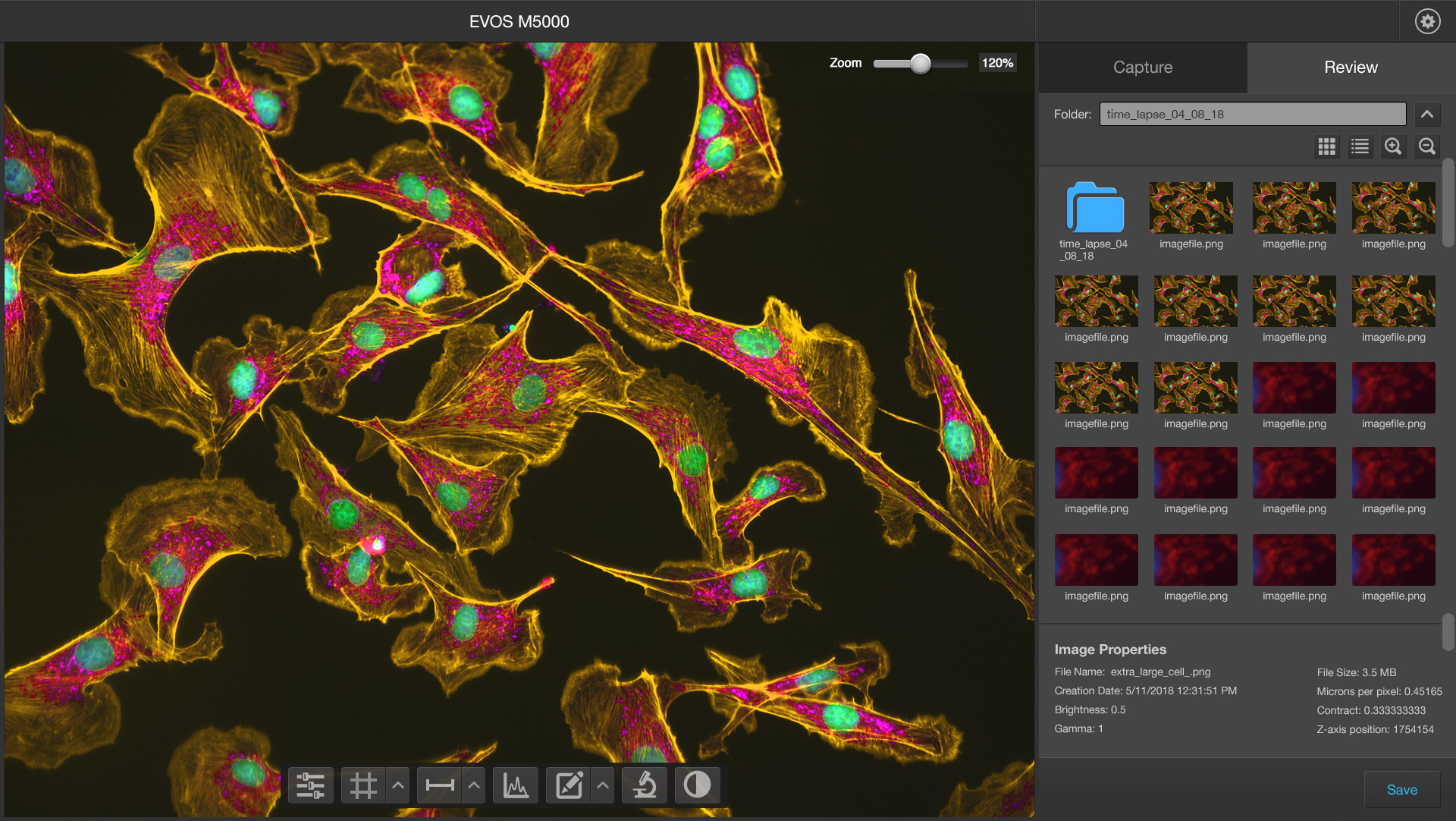
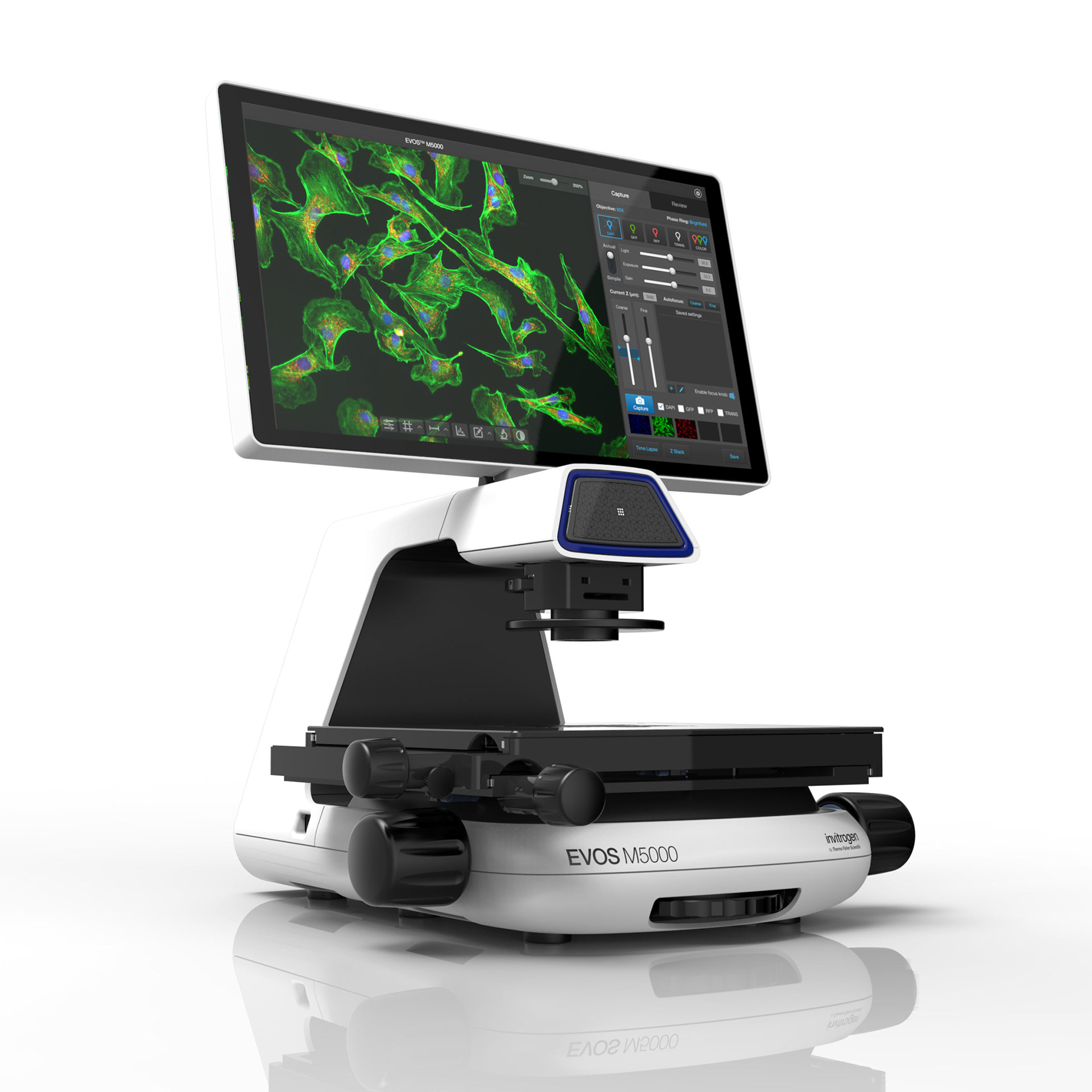
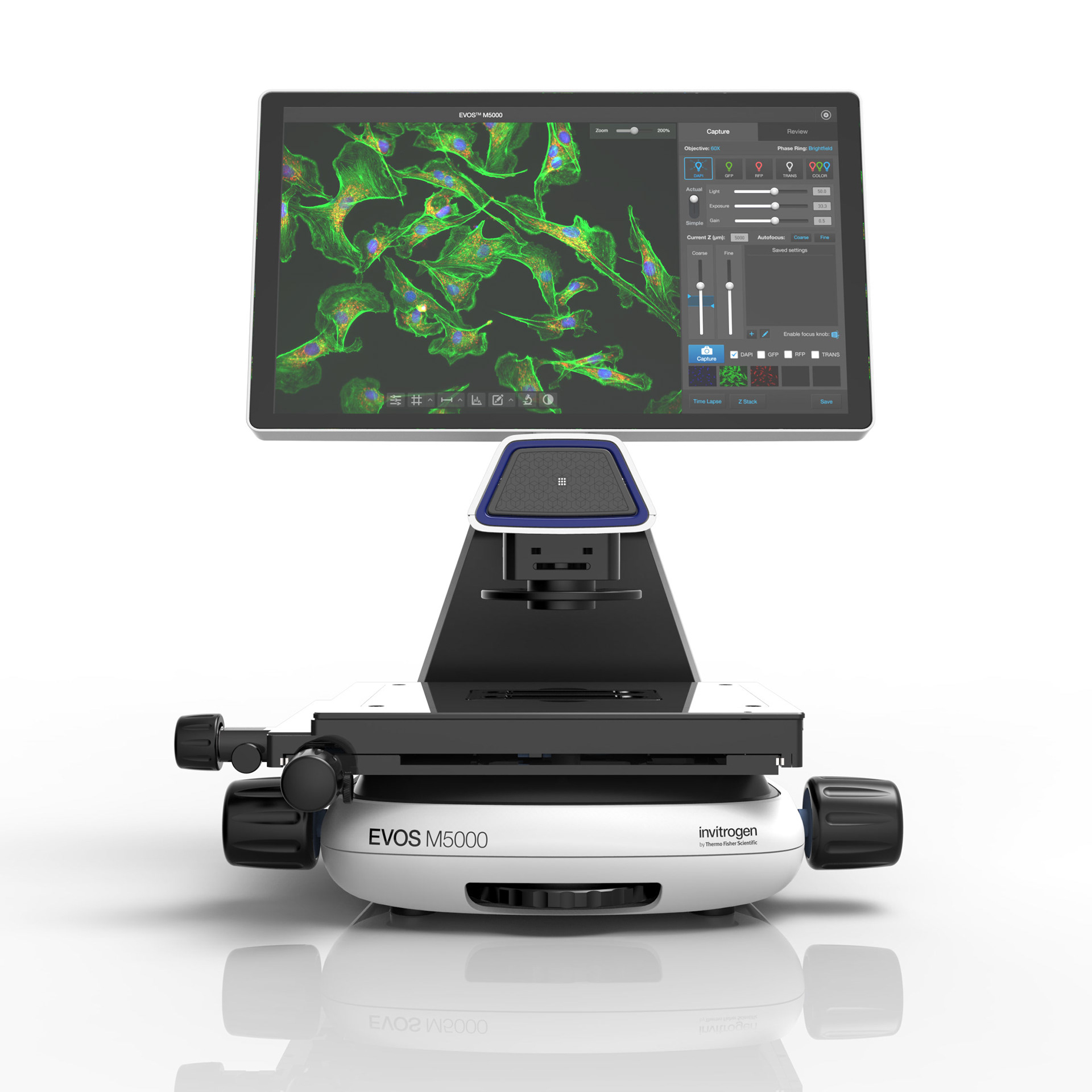
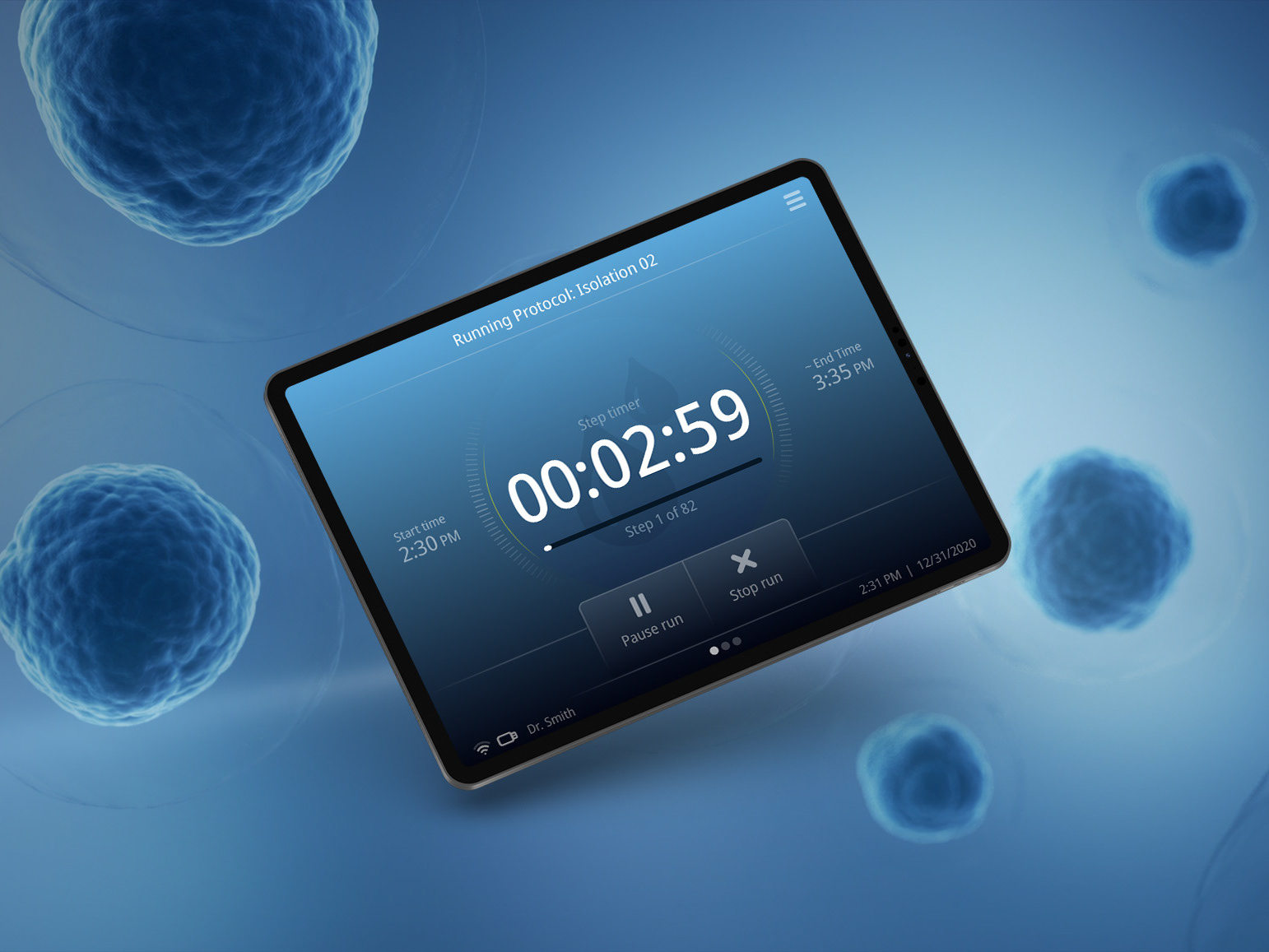
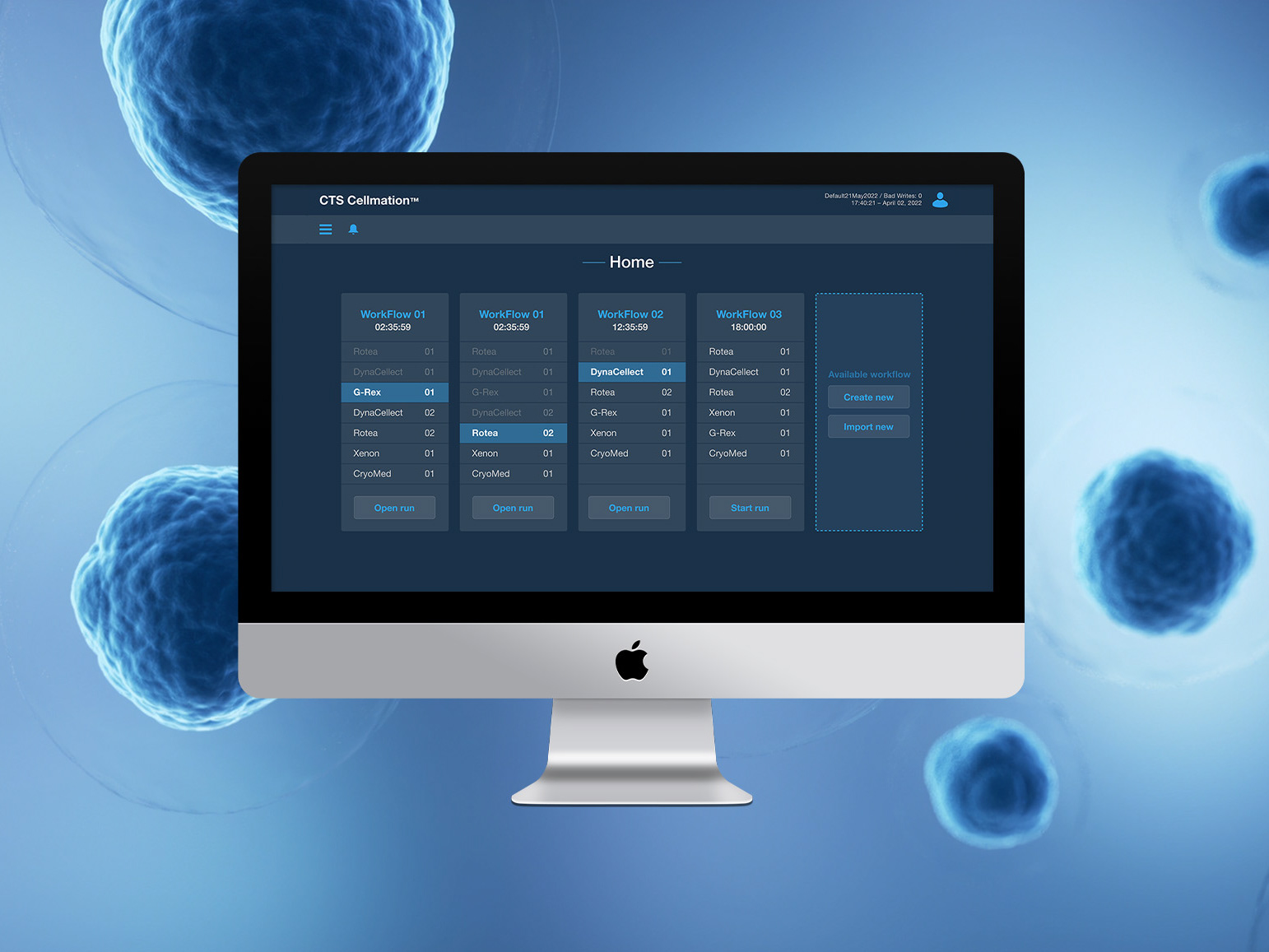
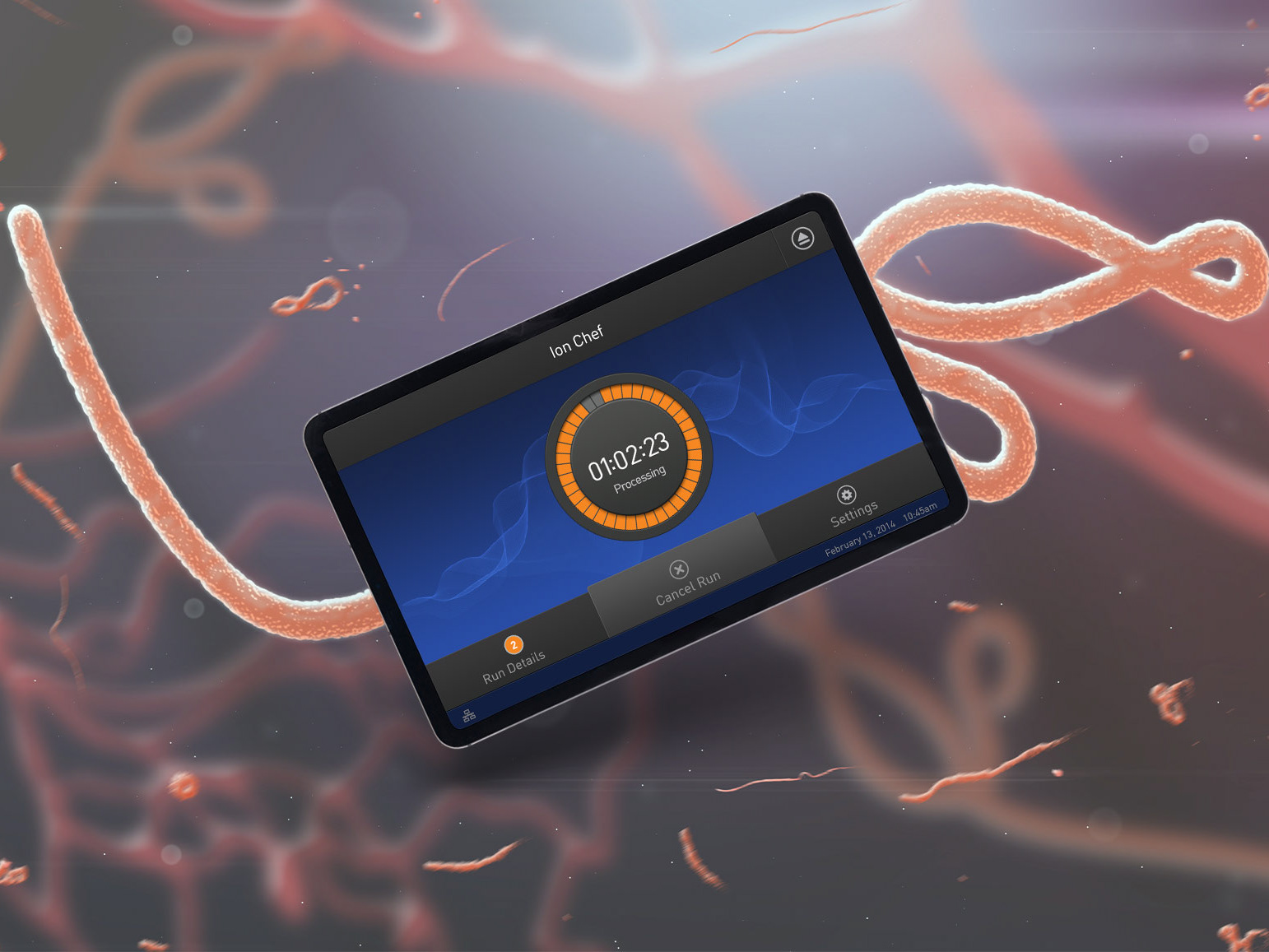
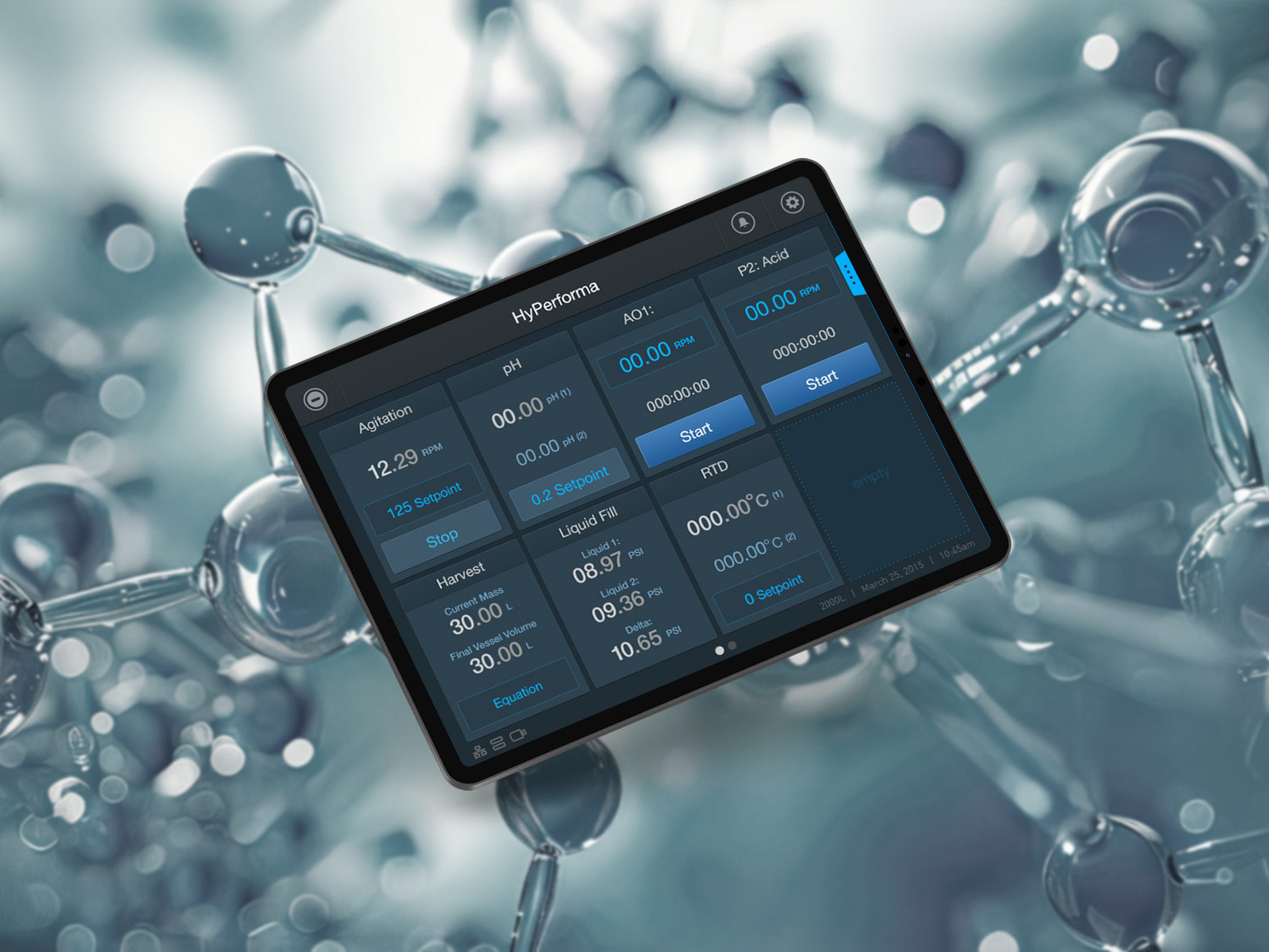
The key aspect of this approach was to team up with the UX designer who was already working on the M5000. Working as a team, she quickly brought me up to speed with the project, sharing her wireframes and helping me understand the ins and outs of the tools that would be highlighting the unique parts to this instrument. Below are the main visuals I created, showcasing some of those key components, followed by the main components and style guide I put together.